

Estimates
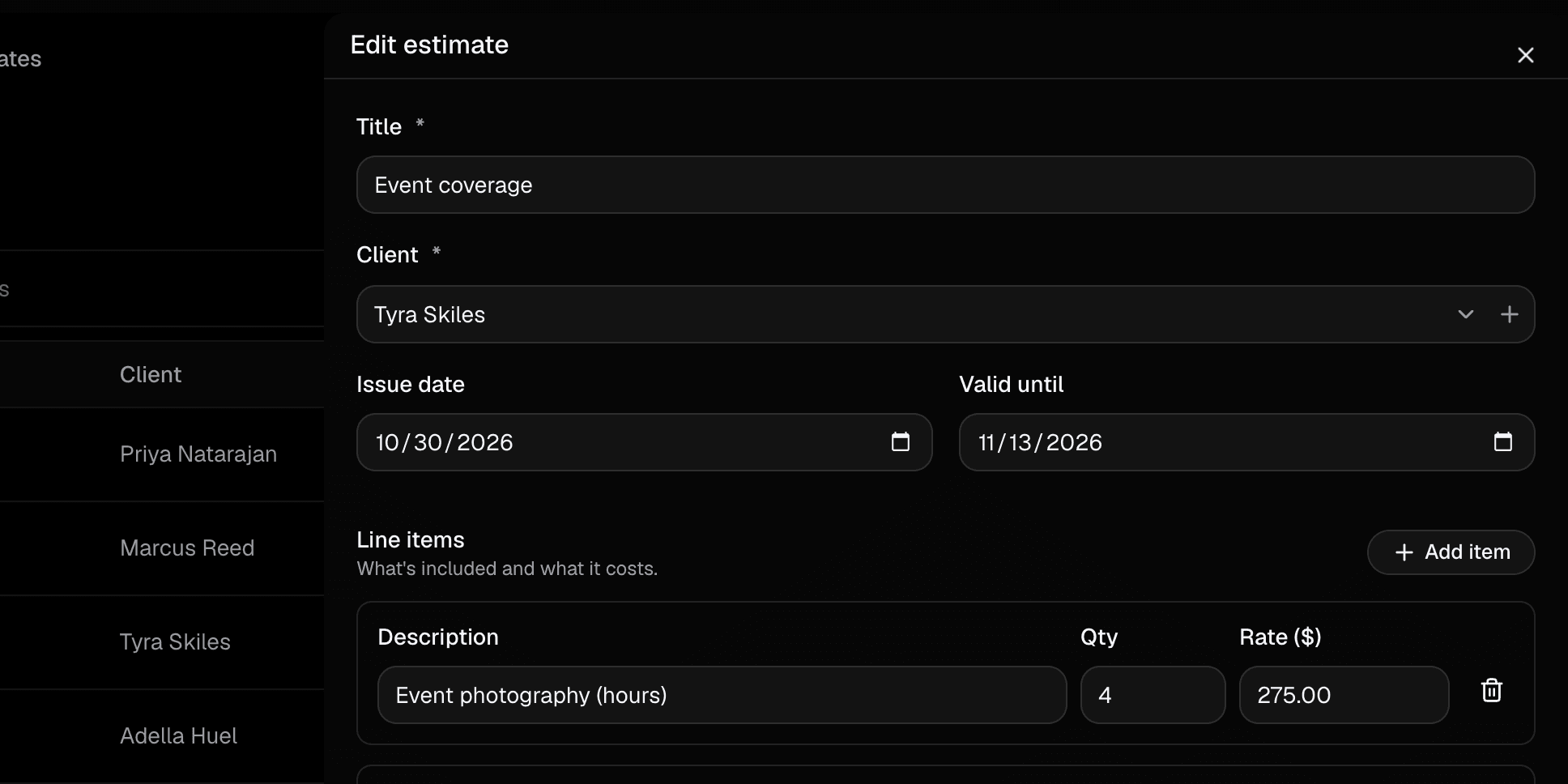
Build an estimate in minutes.
Line items, quantities, a discount and tax, with your default terms filled in. Save it as a draft or send it straight away.
Features
Thriveific does one job well: it takes a client from estimate to signed agreement to paid invoice.
Estimates
Line items, quantities, a discount and tax, with your default terms filled in. Save it as a draft or send it straight away.
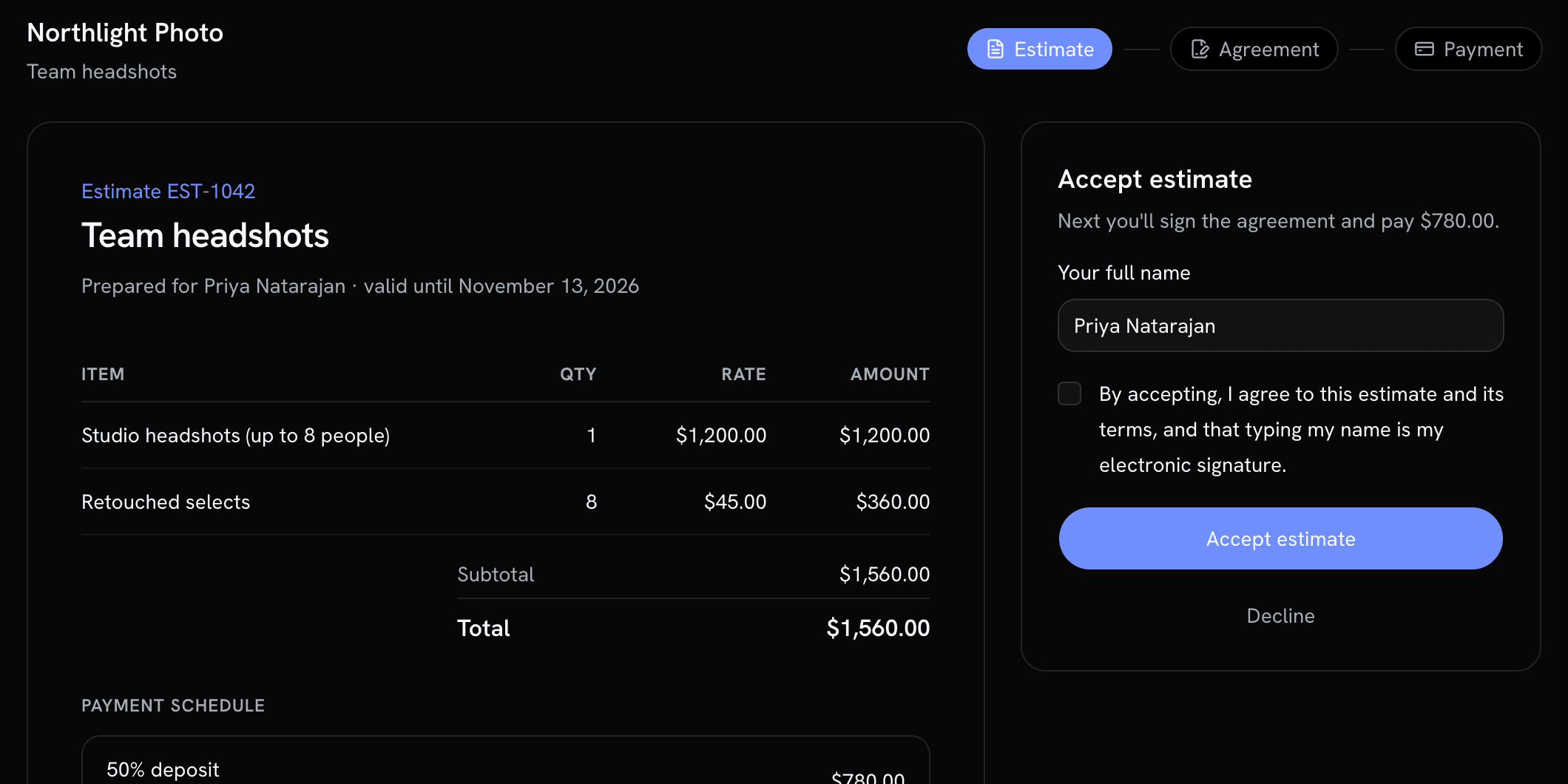
Client page
Clients open the estimate from their email, read every line, and accept it by typing their name. No account, no printing.
Agreements
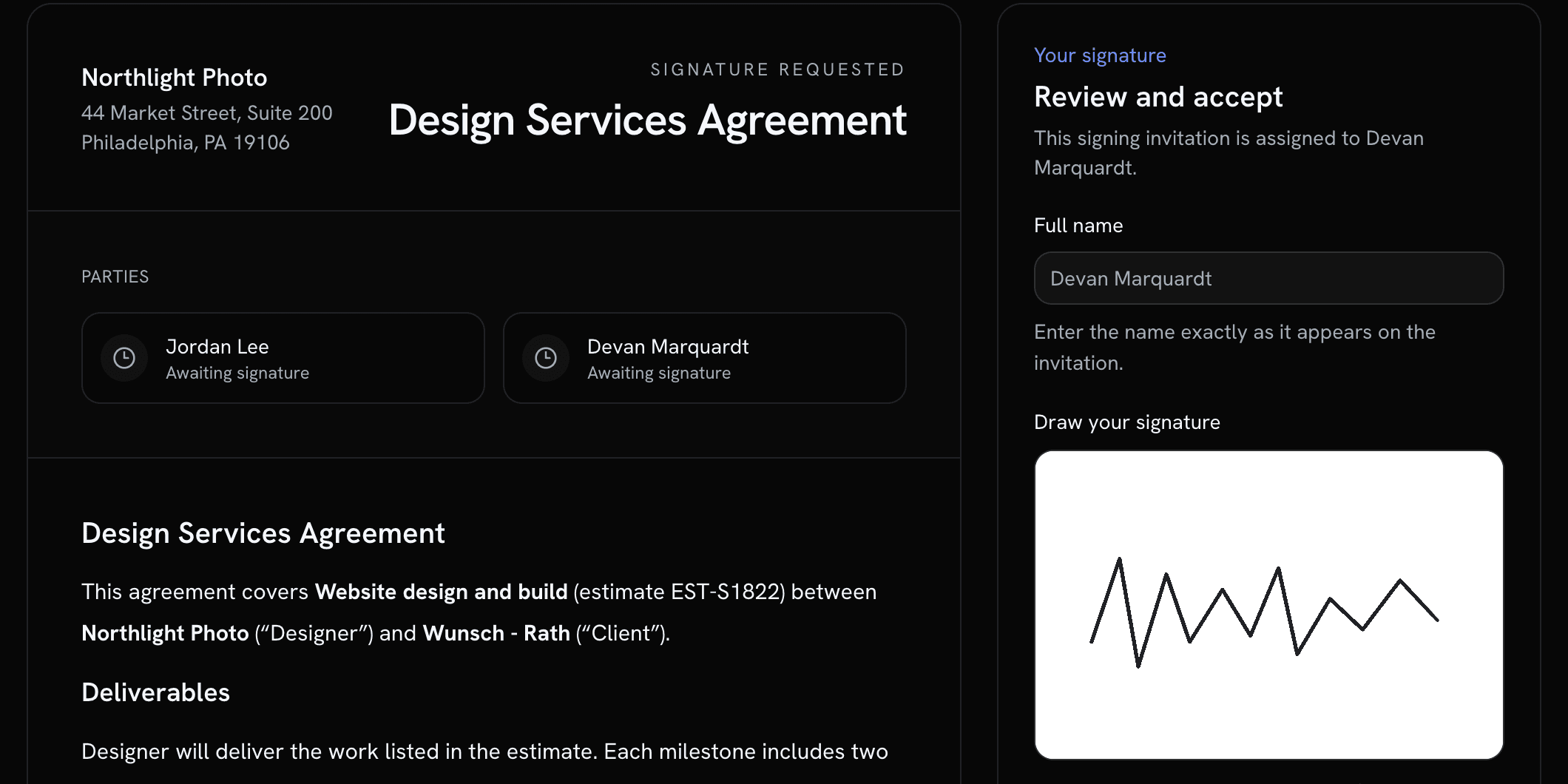
Pick an agreement template and it goes out with the estimate. Fill in custom fields, collect every signature, and get the signed PDF.
Invoices
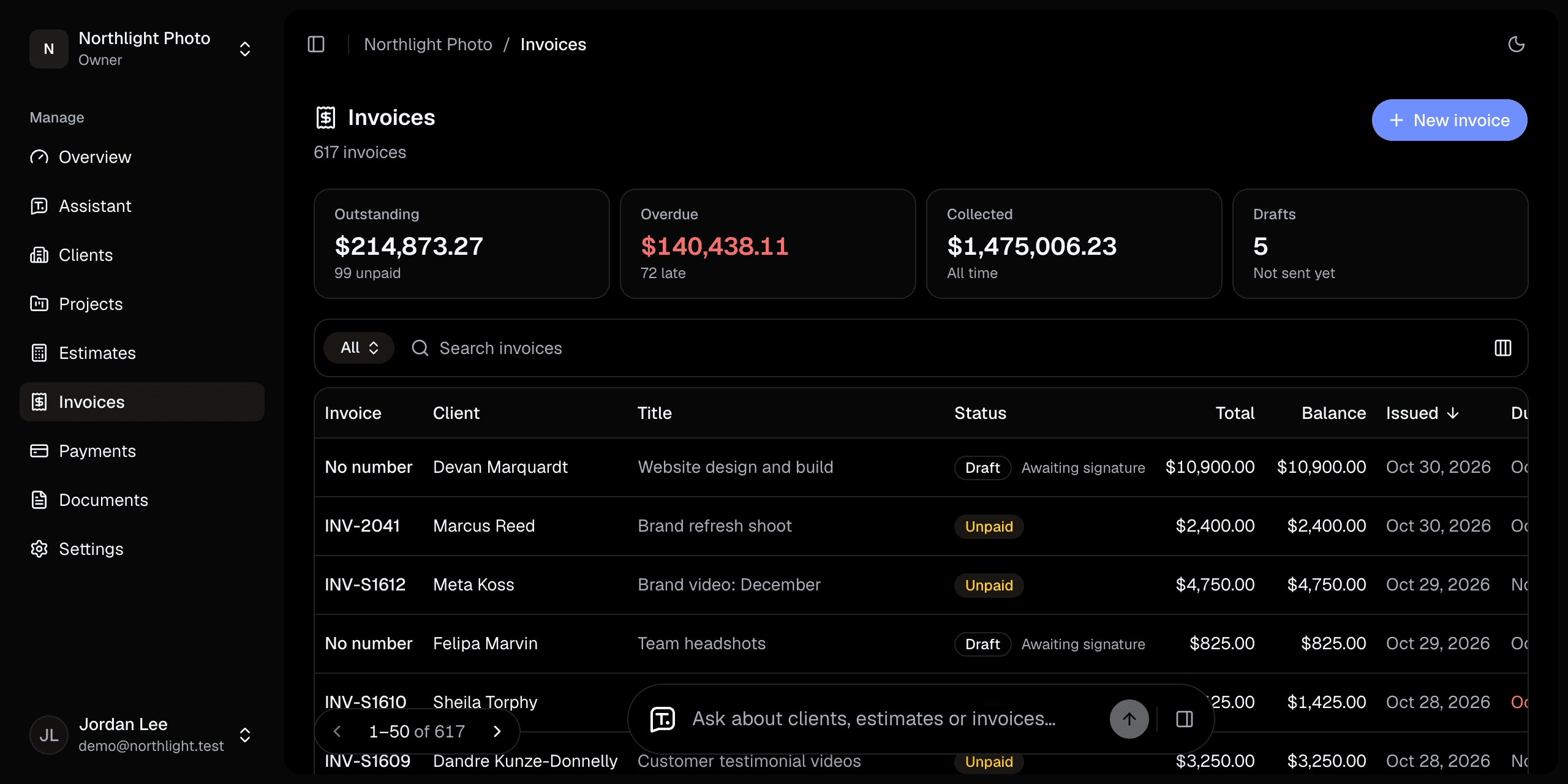
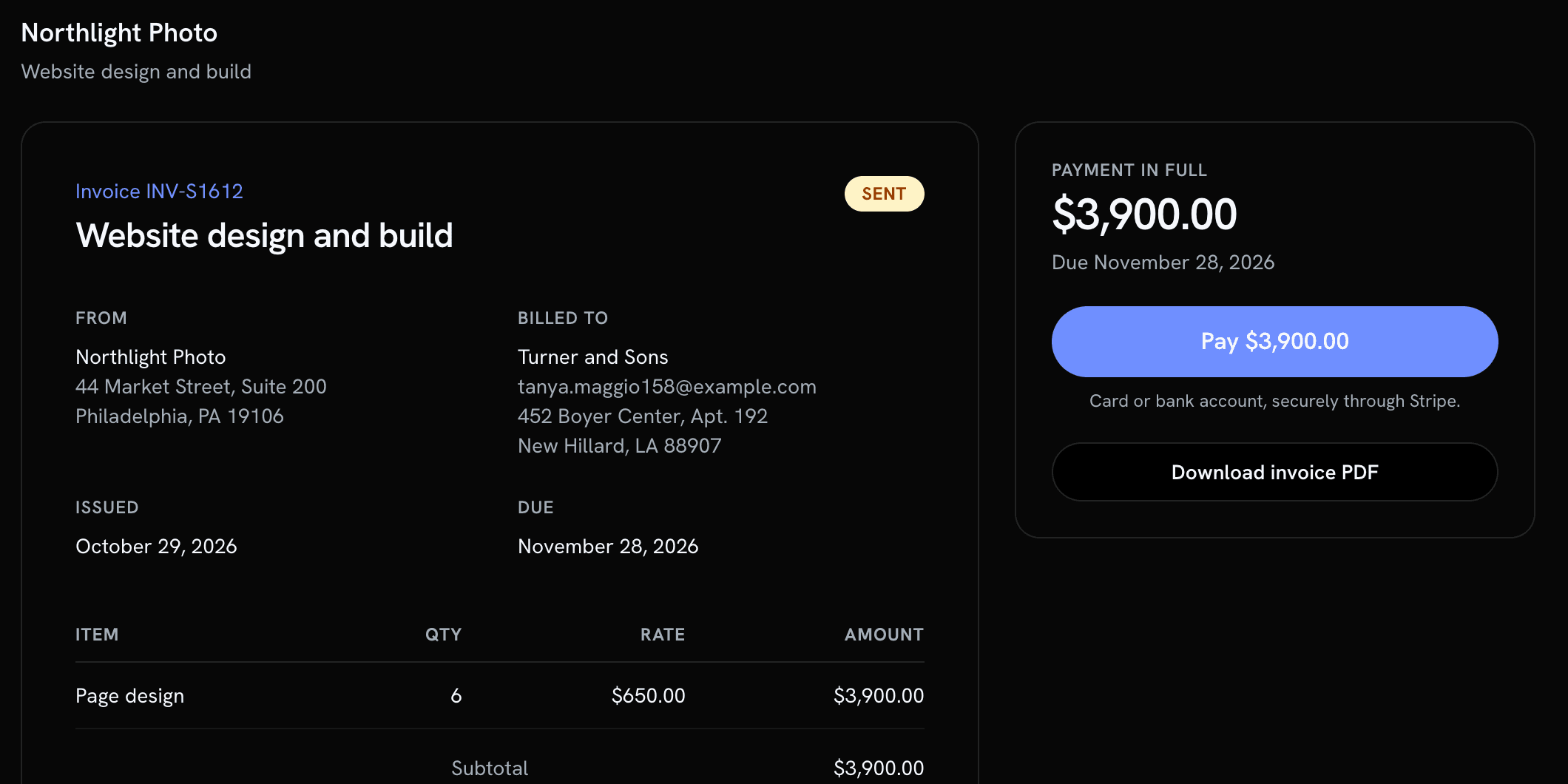
An accepted estimate becomes its invoice, with the same line items and totals. See what's open, partly paid and past due at a glance.
Get paid
Card payments
Connect your Stripe account and every invoice gets a pay button. Payments go straight to you, and each one is recorded against its invoice.
Installments
Up to six payments per job, each due when the invoice goes out, on a date, or when you mark the job complete.
Deposit
On signing
$5,400
Paid
Balance
Due Dec 15
$5,400
Scheduled
Reminders
Before, on and after each due date, until the installment is paid.
3 days before
Balance due Friday
On the due date
Balance due today
3 days after
Balance is past due
Clients
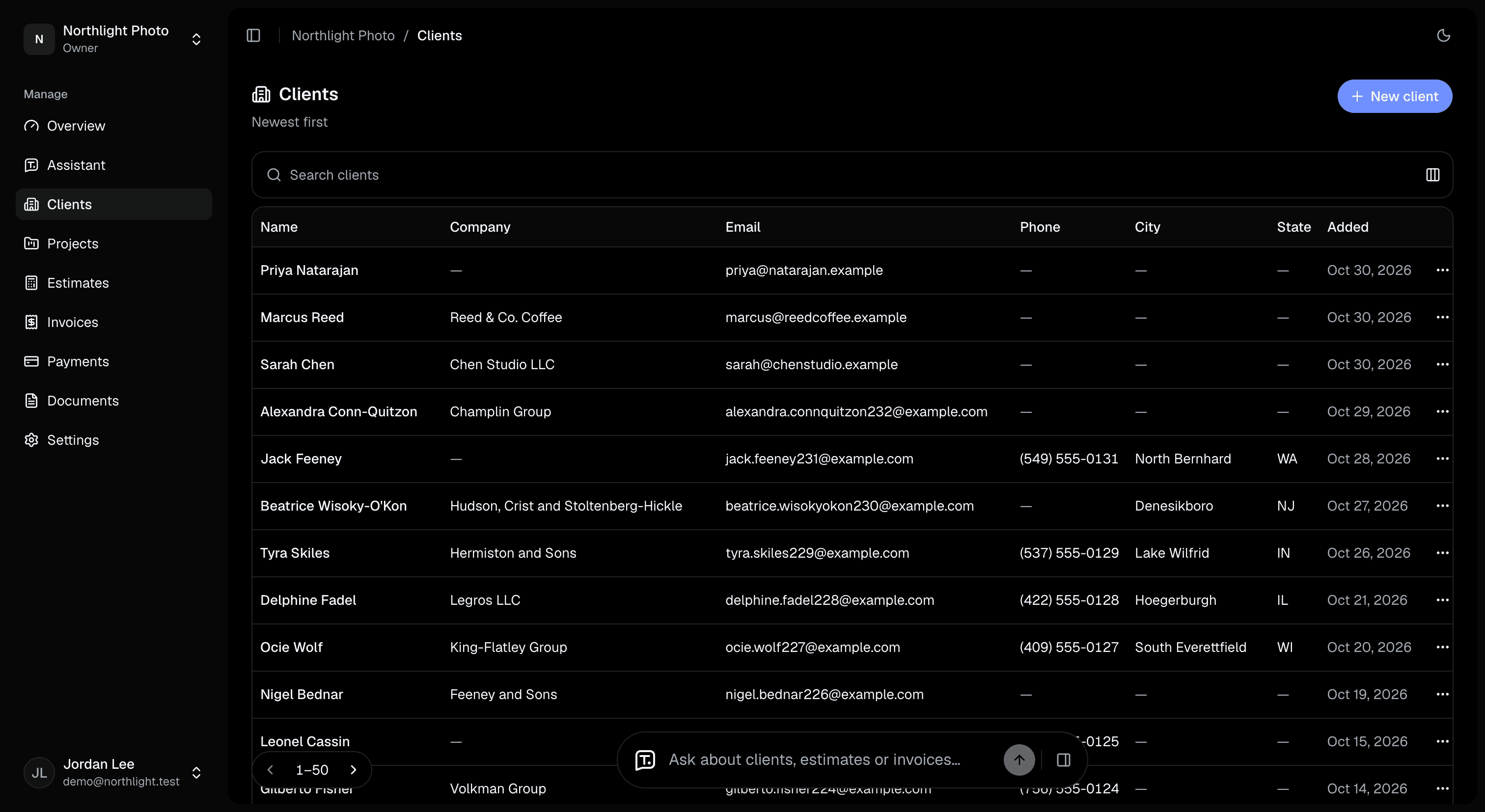
Each client keeps their estimates, agreements, invoices and payments together, with what's owed always up to date.
Run the business
Branding
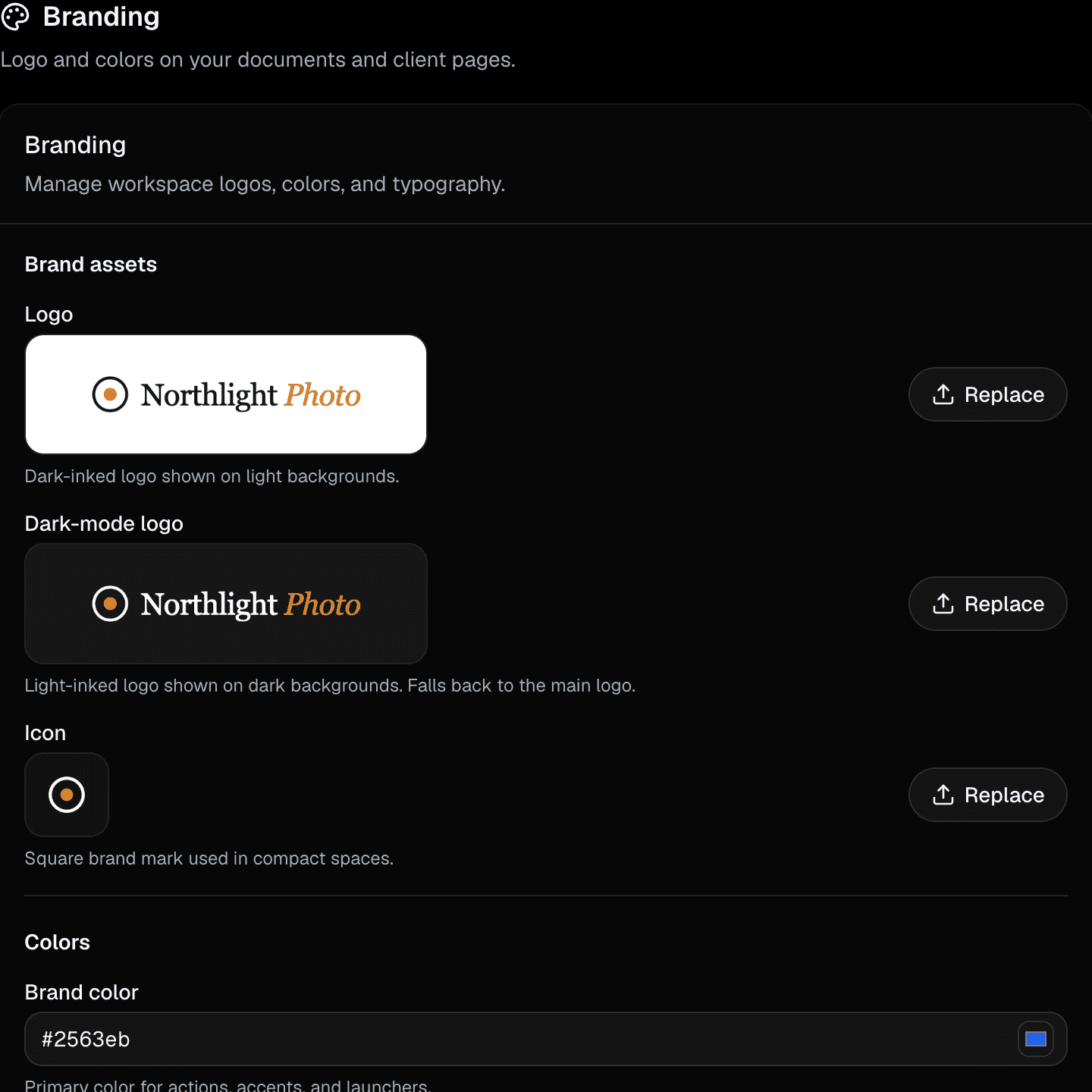
Upload your logo and pick your colors. Every estimate, agreement, invoice, PDF and client page wears them.
Analytics
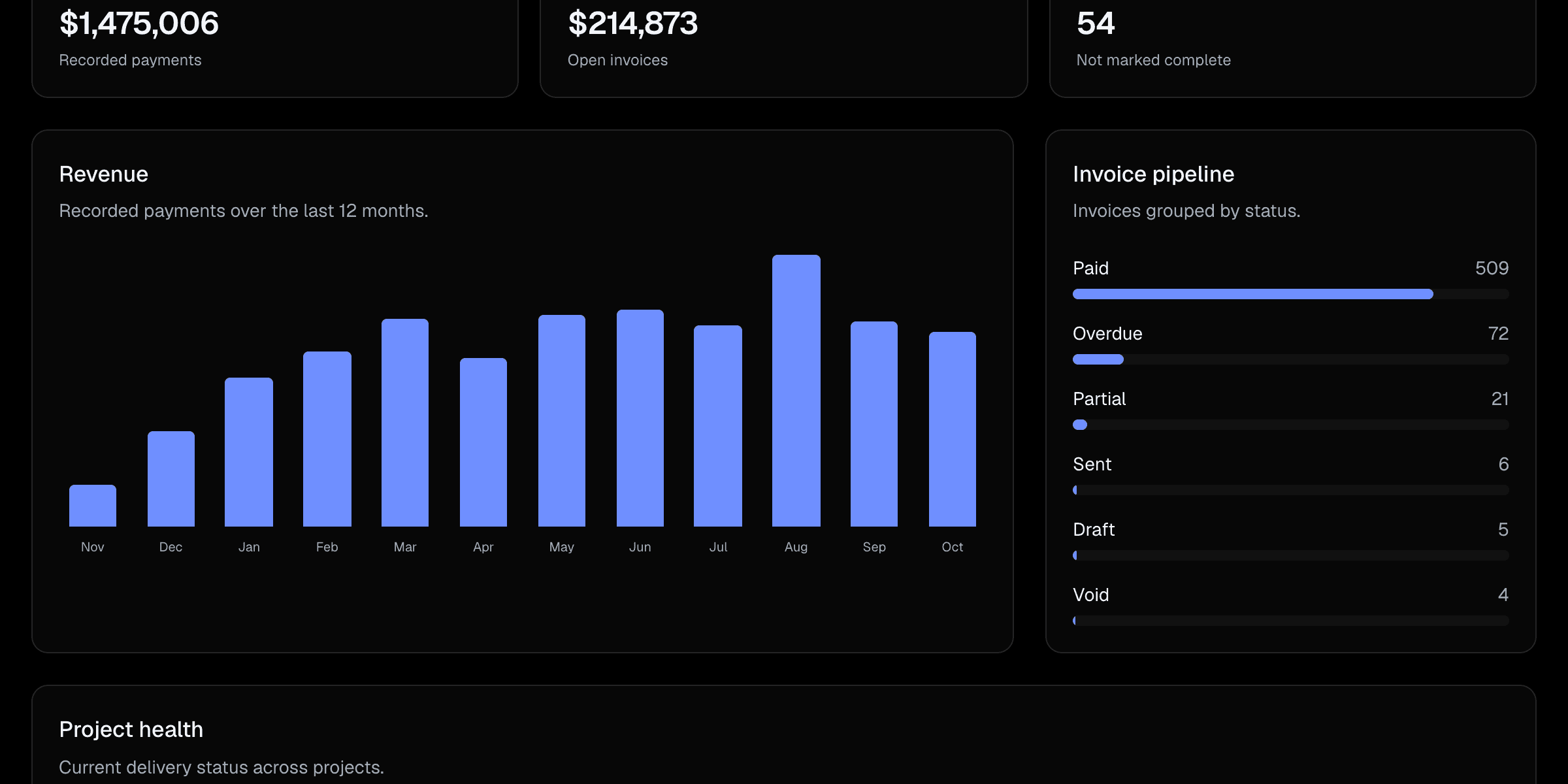
Revenue by month, what's still outstanding, and where every invoice stands.
Assistant
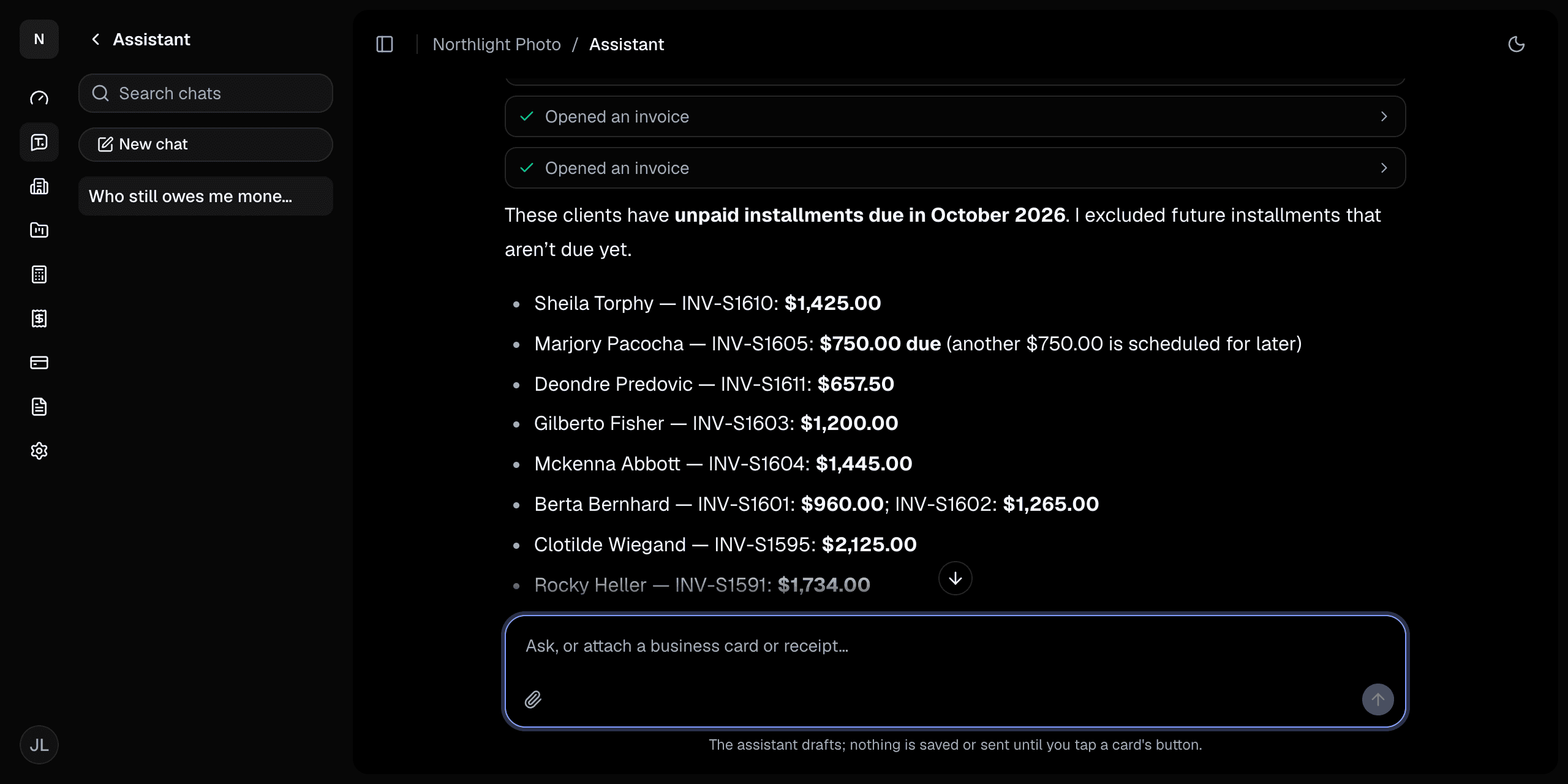
Ask who owes you money or which estimates are waiting, and have it draft the next estimate. Nothing is sent until you tap Save.
AI assistants
Connect Claude, ChatGPT or Cursor to your workspace and look up clients, estimates and invoices from there.
Everything to know before you send your first estimate.